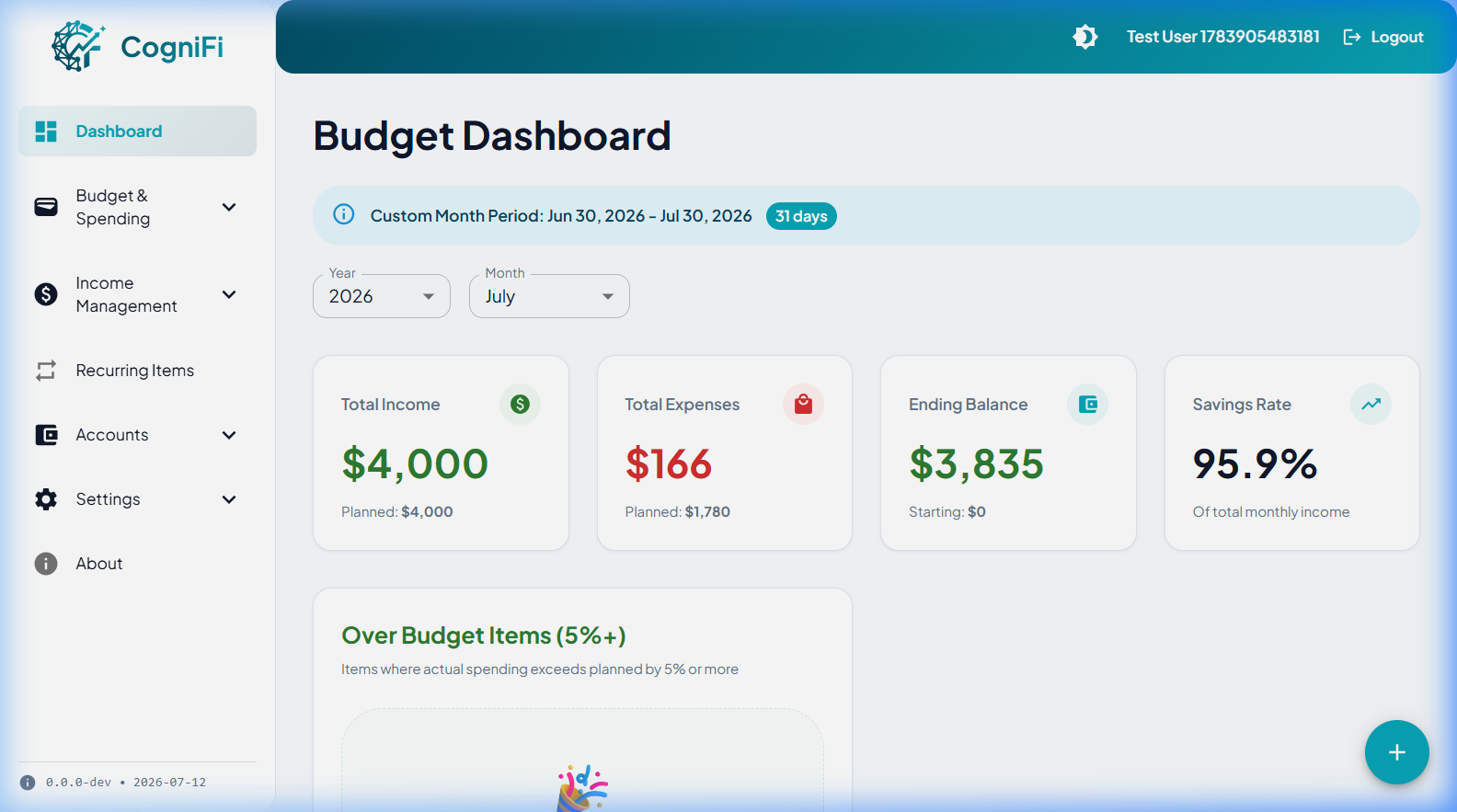
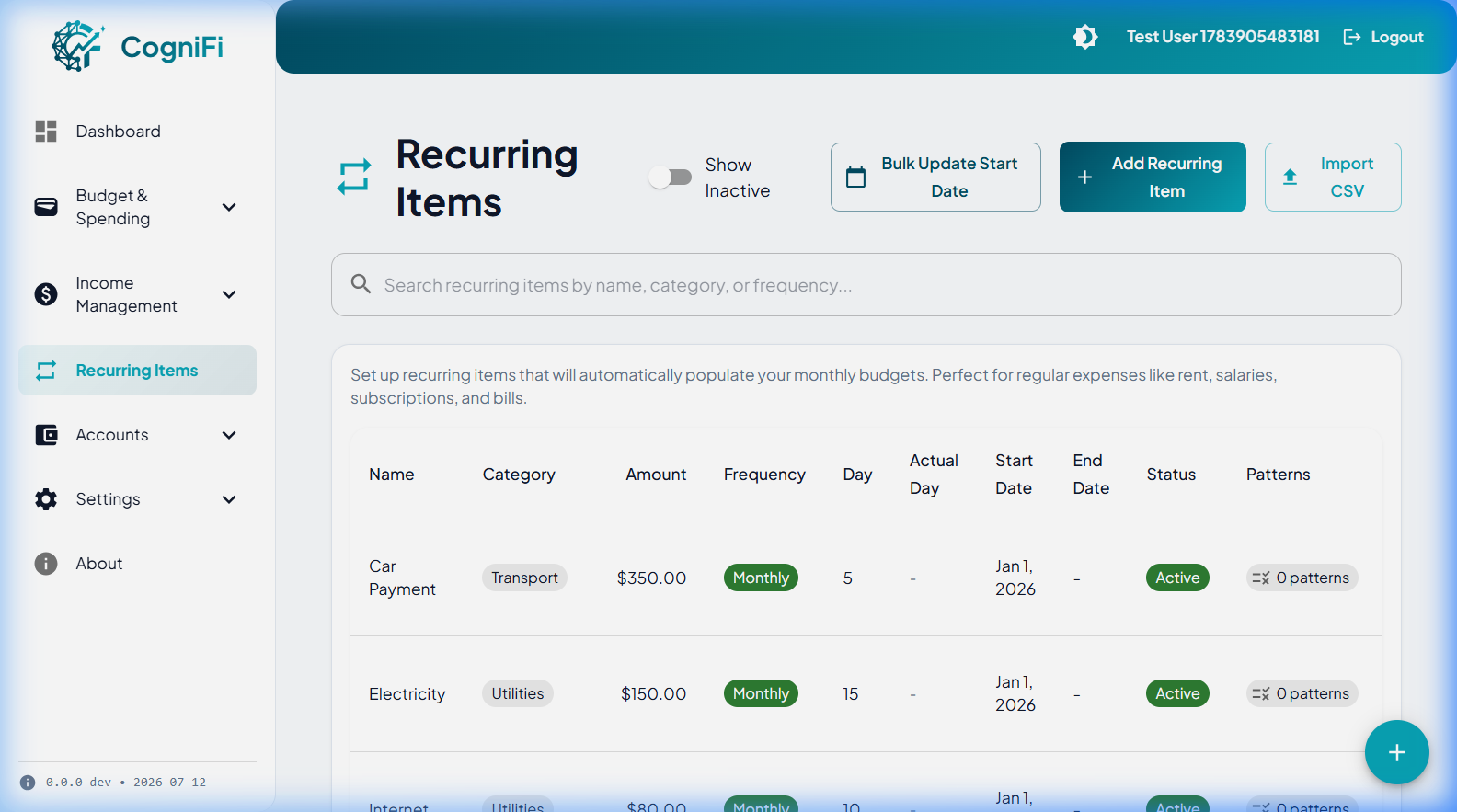
A self-hosted personal finance application built for modern pay cycles, shift work forecasting, intelligent bank matching rules, and true household multi-user isolation. Your data stays 100% on your own infrastructure.
Traditional budgeting apps force you into rigid calendar months and sell your data. CogniFi is designed to adapt to your actual pay schedule and lifestyle.
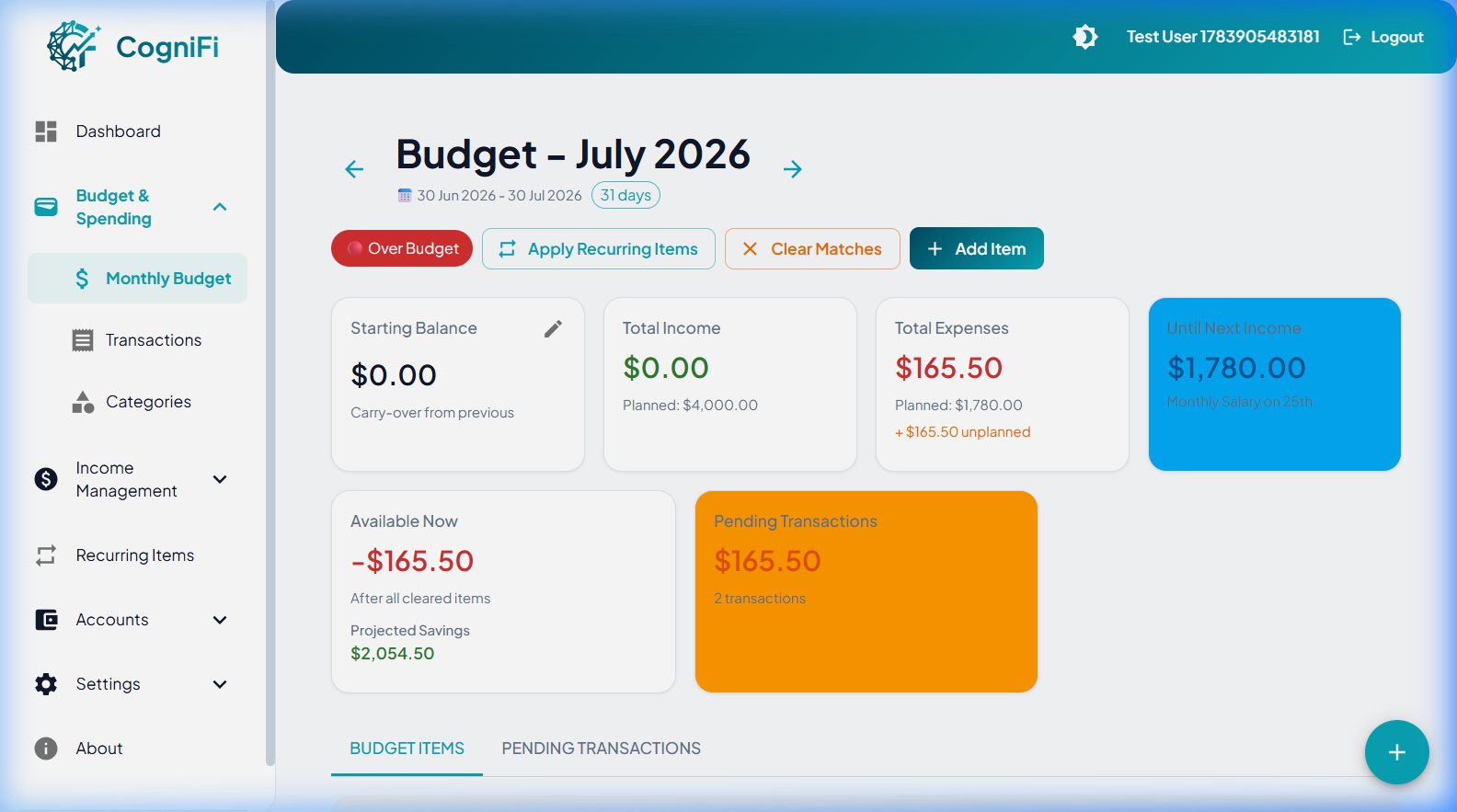
Align budget months with your actual pay schedule (weekly, fortnightly, or custom calendars) rather than arbitrary calendar months. Track rolling cash flow accurately.
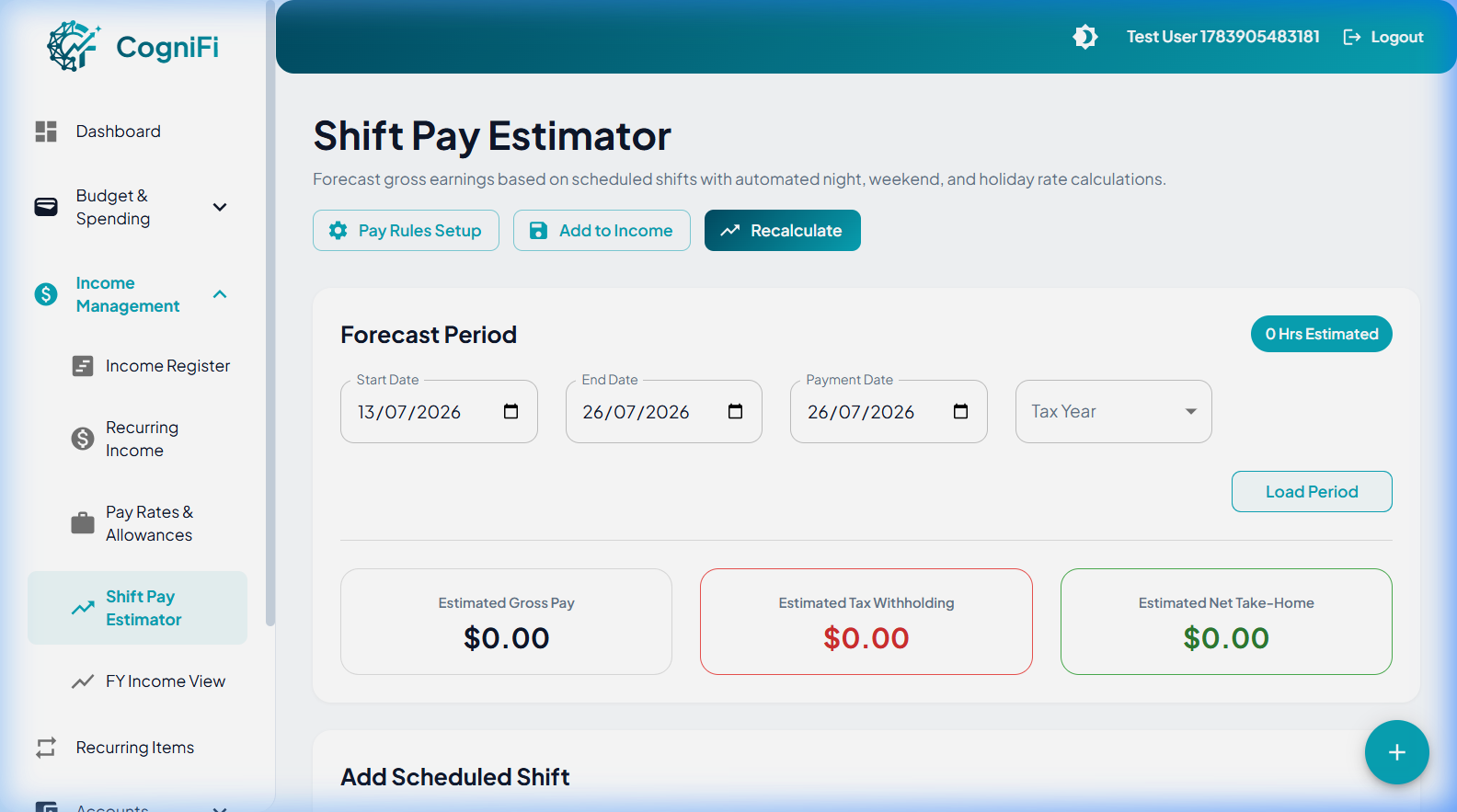
Forecast gross earnings with Day/Noon/Night tags. Calculates complex base rates, shift allowances, weekend/holiday multipliers, and midnight crossover split rates.
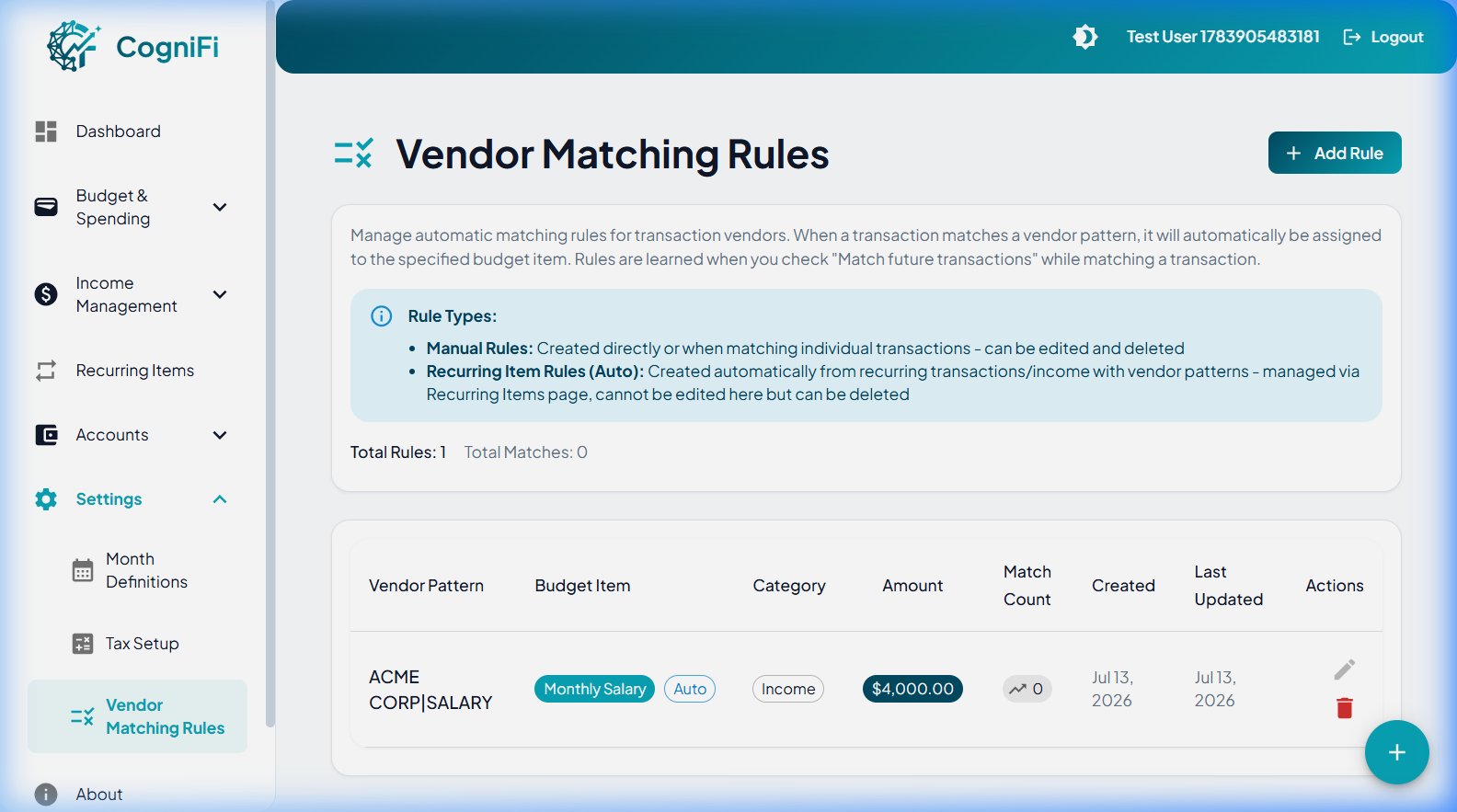
Import CSV/QIF bank statements and let the smart regex matching engine automatically categorize all your transactions and split amounts on autopilot.
Deploy a single instance with secure, isolated databases supporting multiple users, custom roles (Owner, Admin, Member, Viewer), and shared household workspaces.
One-time payment. No hidden subscription traps. You own your deployment and receive instant automated cryptographic license delivery.
Choose between zero-maintenance 1-click cloud hosting or self-hosted Docker on your private server.
Click below to deploy CogniFi to your preferred cloud platform. The blueprint automatically provisions the container and connects a persistent volume for your database:
https://your-service.onrender.com/setup/startup-license to upload your purchased license and create your admin account.
Save the following configuration as docker-compose.yml on your machine:
services:
cognifi:
image: ghcr.io/flexitcorp/cognifi-community:latest
container_name: cognifi-app
restart: unless-stopped
ports:
- "8080:5000"
volumes:
- ./data:/app/data
- ./logs:/app/logs
environment:
- DATABASE_PATH=/app/data/cognifi.db
- Jwt__Key=your_super_secret_jwt_key_at_least_32_characters
- Licensing__StartupEntitlement__LicenseFilePath=/app/data/CogniFi-License.json
- ASPNETCORE_ENVIRONMENT=Production
Run docker compose up -d and visit http://localhost:8080/setup/startup-license.
CogniFi-License.json file. Simultaneously, our automated system sends an onboarding email with the file attached and full setup instructions.
/app/data/cognifi.db), you can simply copy your data/ folder between servers, laptops, or cloud providers whenever you want.